
Stop treating your Google Business Profile (GBP) like a digital yellow pages listing and start treating it like your highest-converting landing page.
In my own business across Portugal and Spain, where we currently run at over €2M per year and have cleared more than €10M in aggregated revenue since we started, organic discovery is our lifeblood. We don’t spend on ads. Instead, we dominate the local map pack in high-value hubs like Lisbon, Sintra, and Seville. While most operators are busy paying 20-30% commissions to OTAs, the smartest players are using Google Maps to capture direct bookings before the guest even thinks about opening a third-party app.
The map pack is the ultimate shortcut in the travel buyer’s journey. When a high-intent traveler searches "private tours Lisbon" or "best boat trip Algarve," Google doesn't just show websites; it shows proximity, reputation, and visual proof. If you aren't in the top three results, you are effectively invisible to the most profitable segment of the market: the proactive, self-planning luxury traveler.
How To Choose The Best Category For A Tour Company On Google
The biggest mistake I see operators make is choosing "Travel Agency" as their primary category. If you own the assets, employ the guides, and design the itineraries, you are a "Tour Operator." Google’s algorithm treats these two categories very differently.
"Travel Agency" is a broad, catch-all term often associated with flight bookings and third-party resellers. If you select this, you are competing with every high-street storefront and OTA. "Tour Operator," however, tells Google you are the direct source of the experience. In my experience, shifting from a generic category to "Tour Operator" (or specific niches like "Boat Tour Agency" or "Hiking Guide") provides an immediate lift in relevance for experience-based searches.
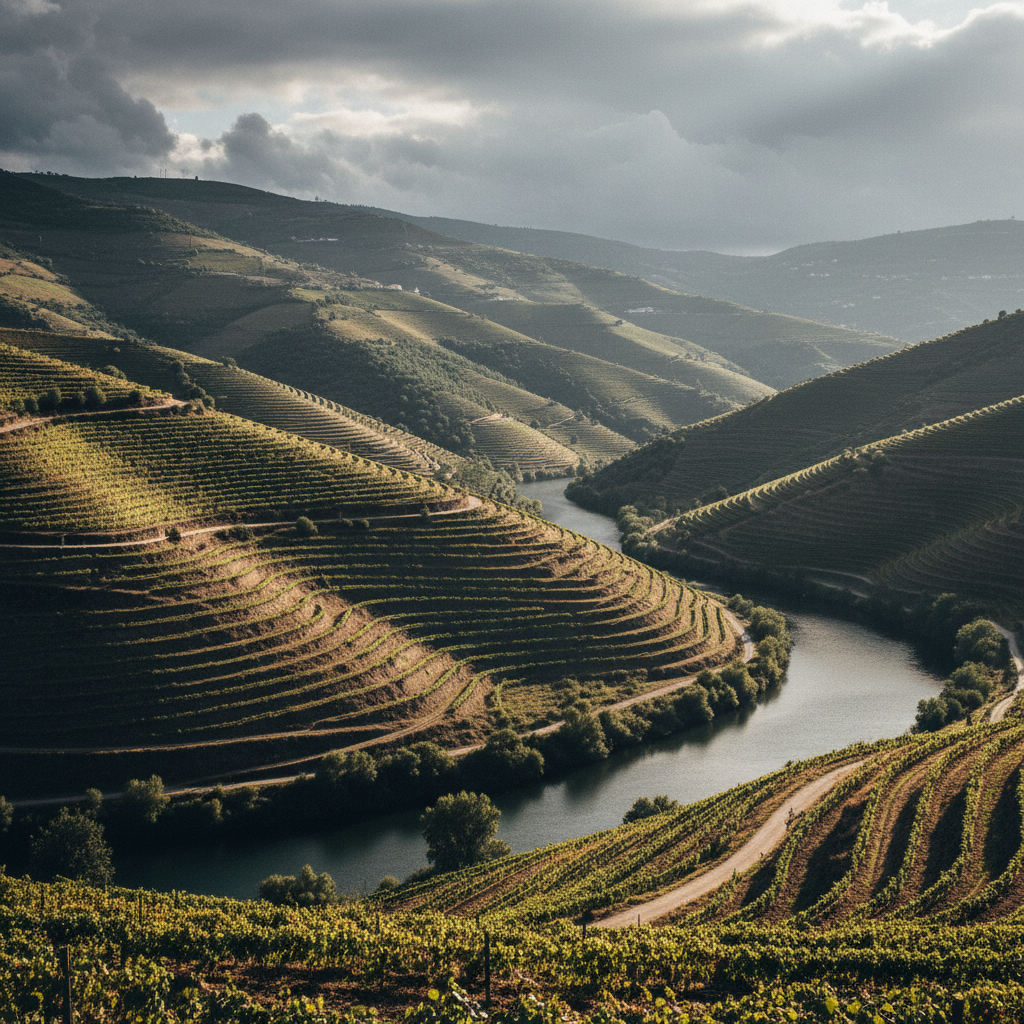
If you are a niche player, use the primary category for your main driver—say, "Winery" if you run a vineyard in the Douro Valley—and add "Tour Operator" as your secondary category. This allows you to show up for both intent-based searches (tours) and destination-based searches (the place). I’ve seen this simple shift increase "Discovery" impressions by 15-20% within a single month because it aligns the business with the specific nouns travelers are typing into the search bar.
What Photos Do Luxury Travelers Need To See Before Booking?
Most operators upload a dozen blurry photos of a van or a generic sunset. That doesn't sell a €1,000 private day trip. To convert luxury travelers who are browsing on their phones in a hotel lobby, you need a specific photo hierarchy. Across my portfolio, we follow a strict five-type rule:
- The "Hero" Experience: One high-resolution shot of guests actually enjoying the tour. If it’s a food tour in Évora, show the moment the wine is poured or the cheese is cut—not just a empty table.
- The "Perspective" Shot: A wide-angle drone or landscape shot that establishes the "wow" factor of the geography. Think the cliffs of Madeira or the rolling hills of the Alentejo.
- The "Human" Element: A professional headshot of a guide or the founder. People buy from people. A friendly face builds trust before the first email is sent.
- The "Equipment" Proof: If you operate a luxury transport service or boat tours, show the interior. Luxury guests want to see the legroom in the Mercedes-Benz V-Class or the teak decking on the yacht.
- The "Social Proof" Capture: A photo of a handwritten thank-you note or a group of happy guests at the end of the day.
We found that profiles with at least 50 high-quality photos receive nearly 4x more requests for directions and website clicks than those with fewer than 10. In 2026, Google’s Vision AI can actually "see" what is in your photos, so labeling them correctly and ensuring they are contextually relevant to your tours is a ranking signal in itself.
How To Use Google Business Profile Products For Direct Bookings
One of the most underutilized features in GBP is the "Products" editor. Most operators think this is only for physical goods. It isn't. You should list every single one of your main tour products here.
When you list a tour as a "Product" on your GBP, it gets a dedicated carousel on your mobile listing. Each product can have its own image, description, price range, and—most importantly—a "Learn More" button.
Do not link this button to an OTA. Link it directly to the specific landing page on your website where your booking engine (like Rezdy, FareHarbor, or TrekkSoft) is embedded. By doing this, you are effectively bypassing the "Book Online" button that Google often injects with Viator or GetYourGuide links. You are creating a direct path from a Google search to your own bank account, saving that 25% commission.
In our Porto operations, we saw a 12% increase in direct mobile conversions simply by adding our top four tours as Products with clear "Book Direct" pricing advantages mentioned in the description.